1
Eligibility
Coverage and benefit context before the claim is built.
Use AI-enhanced RCM tools and leadership visibility around eligibility, coding review, claim readiness, denials, EOB posting, follow-up, performance, visits, no-shows, productivity, and revenue trends.
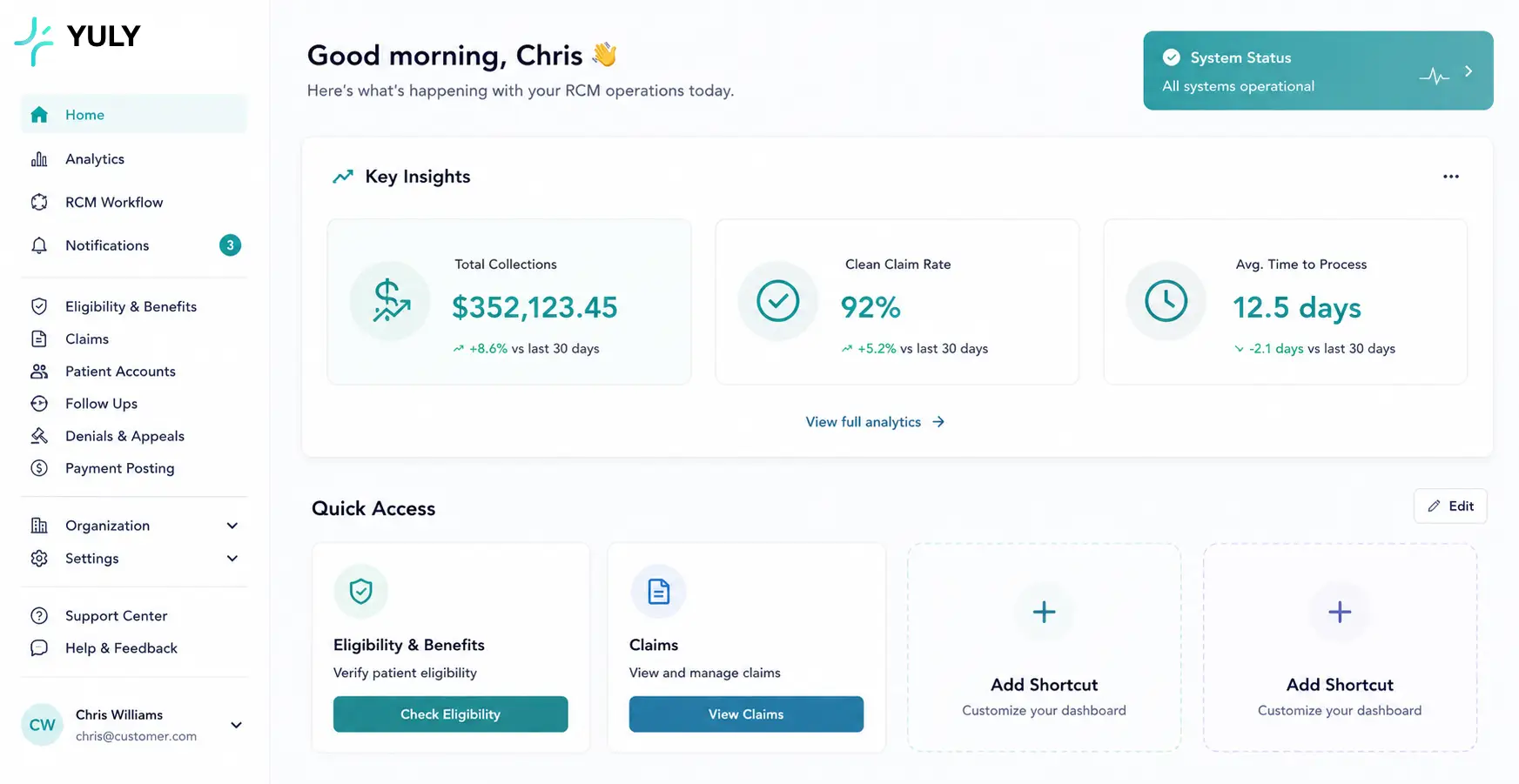
YULY connects the clinical note, payer context, eligibility data, coding review, claim edits, denials, and payment posting so the billing team can focus on the exceptions that actually need judgment.
Revenue command center
Visit to payment, without losing the thread.
Coverage and benefit context before the claim is built.
Documentation, coding, payer rules, and formatting reviewed together.
Remittance context, root-cause review, and next action in one queue.
EOB, ERA, adjustment, and underpayment work stays visible.
YULY reviews documentation, eligibility results, coding support, payer rules, and claim formatting before submission so the billing team can catch issues earlier.
When a claim comes back, YULY keeps the denial reason, remittance context, note support, and next action in the same workflow.
Revenue teams can watch for underpayments, missed claim opportunities, preventable errors, and write-off patterns before they become invisible losses.
Eligibility, claim review, denials, EOB posting, and follow-up need one operating rhythm. The dashboard view makes the queues visible instead of hiding them across portals, spreadsheets, and disconnected tools.
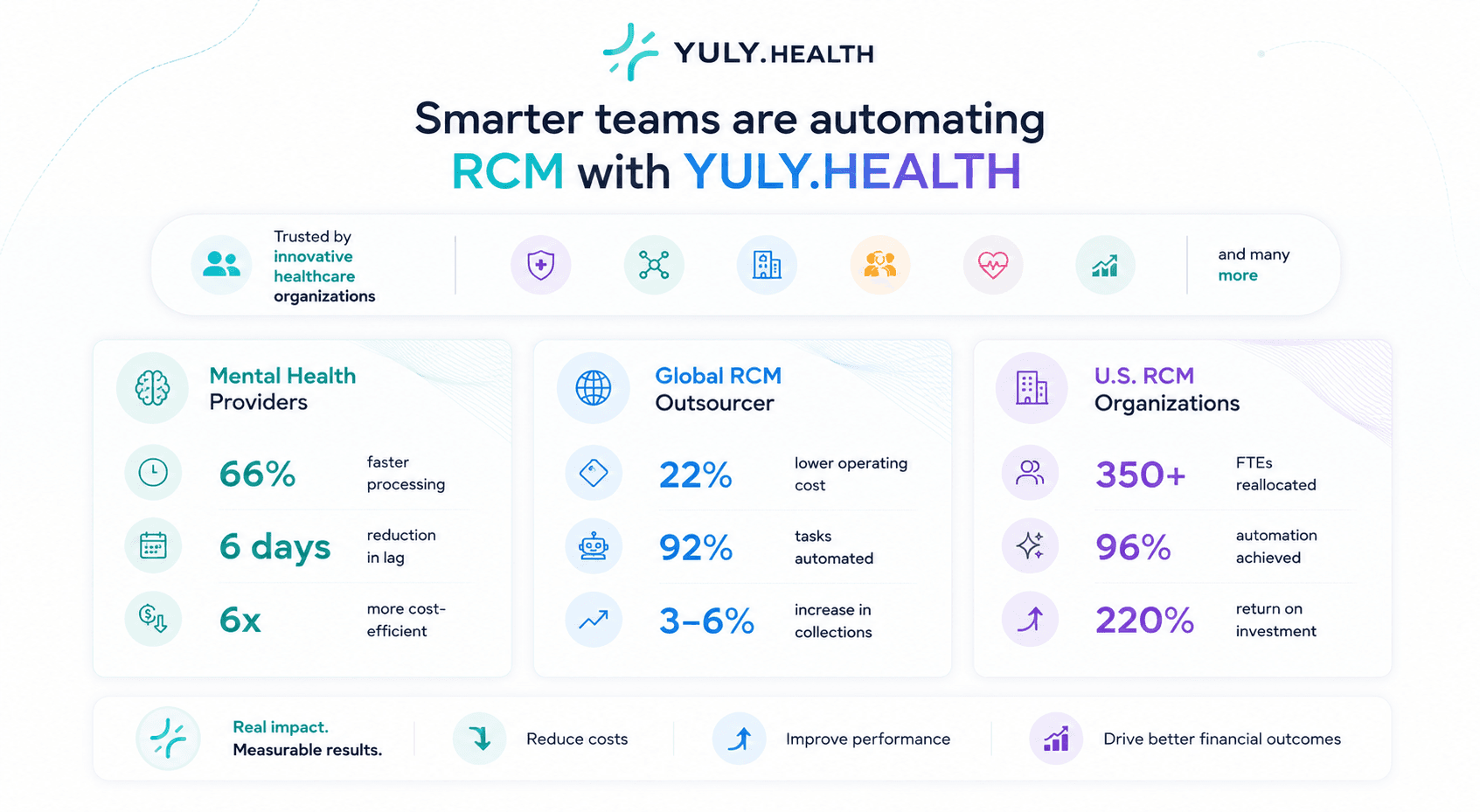
Instead of treating eligibility, claims, denials, and EOBs as separate islands, YULY keeps them connected to the same patient, payer, note, and claim context.
Verify coverage, COB, subscriber details, and benefit context before claim work starts.
Move claims through review with documentation support, payer edits, and practice-specific rules close by.
Turn denials into clear next steps with claim, remittance, note, and payer context in the same place.

Coverage issues are easier to fix before they become denials, delayed reimbursement, or preventable write-offs.
Start with the data already powering your practice, add your billing rules, then give the team worklists that make clean-claim and denial work easier to manage.
Bring claim, clinical, eligibility, and payer context into the YULY workflow with a lightweight integration path and EDI setup plan.
Configure billing preferences, payer requirements, modifier guidance, documentation expectations, and review exceptions once.
Invite billing staff, assign queues, and let YULY organize daily work around claim readiness, denials, payment posting, and follow-up.
YULY turns the day-to-day movement of the clinic into a leadership view: patient flow, schedule health, documentation activity, claim readiness, and revenue signals in one place.
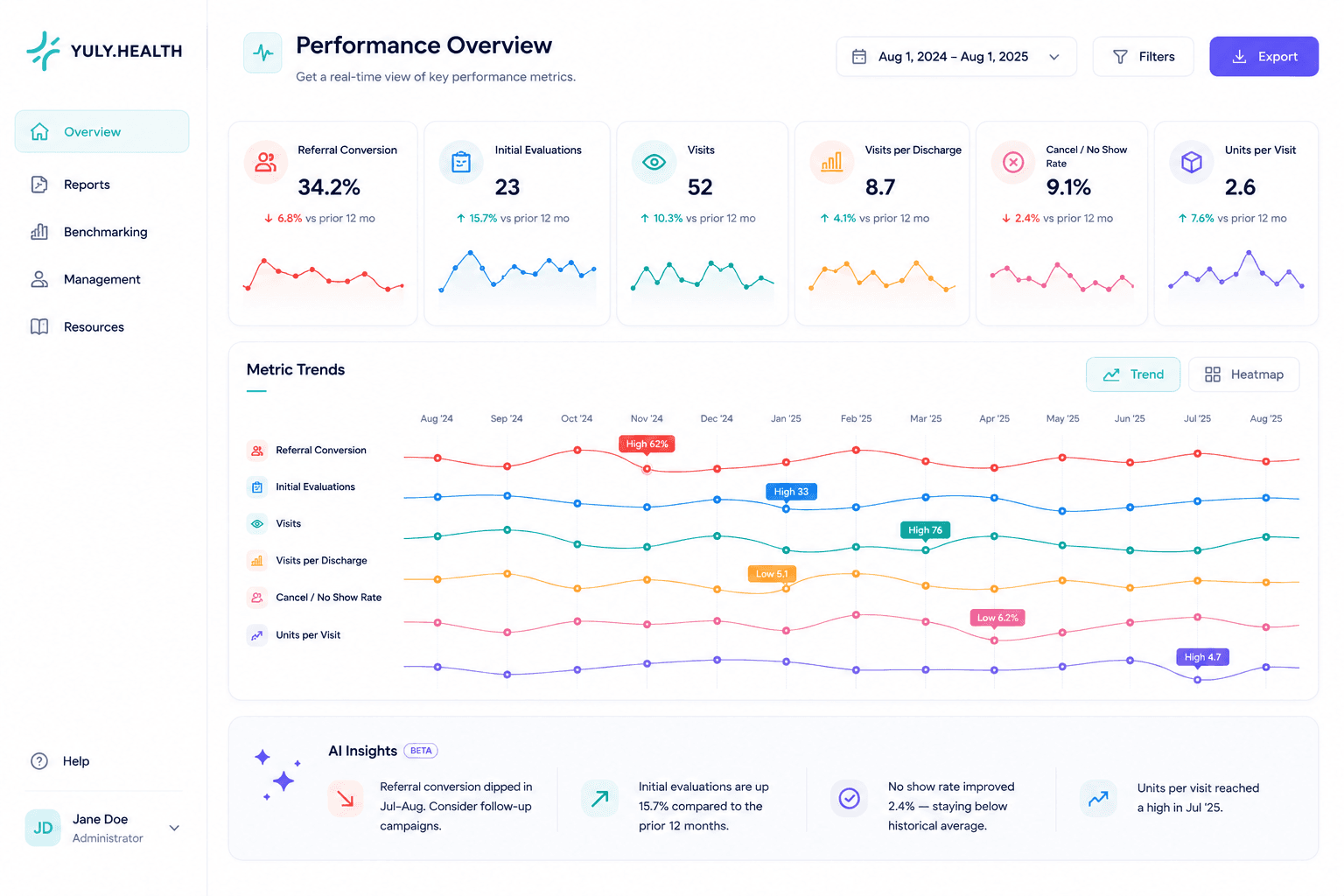
Practice pulse
Clinical, schedule, documentation, and revenue signals.
Visits, evaluations, discharges, and care-plan activity
No-shows, cancellations, capacity, and follow-up pressure
Scribe usage, review status, and chart-completion friction
Claim readiness, denials, payment movement, and A/R signals
Watch referral quality and intake movement before volume changes show up downstream.
Track visits, units per visit, visits per discharge, and care-team throughput together.
Spot cancellation patterns early enough to adjust scheduling, outreach, and staffing.
Keep billing pace, collection movement, and operational slowdowns visible to leadership.
A dashboard should not stop at numbers. YULY helps leaders connect changes in referrals, visits, no-shows, and productivity back to schedules, team follow-up, documentation, and revenue workflows.
Analytics loop
From metric movement to revenue action.
Signal
Visits, no-shows, units, revenue, or documentation status changes.
Context
Schedule, note, claim, and follow-up context stay close to the number.
Action
Leadership can assign the work before it becomes end-of-month cleanup.
Analytics are more useful when they explain the work people are already doing: the visit schedule, the note workflow, claim readiness, denials, payment movement, and team follow-up.
Bring practice health, patient flow, documentation progress, and revenue movement into the same operating picture.
Surface meaningful changes in referral conversion, visits, no-shows, productivity, and units without forcing teams to dig through reports.
Analytics are more useful when the team can trace a metric back to schedules, documentation, claims, and follow-up work.
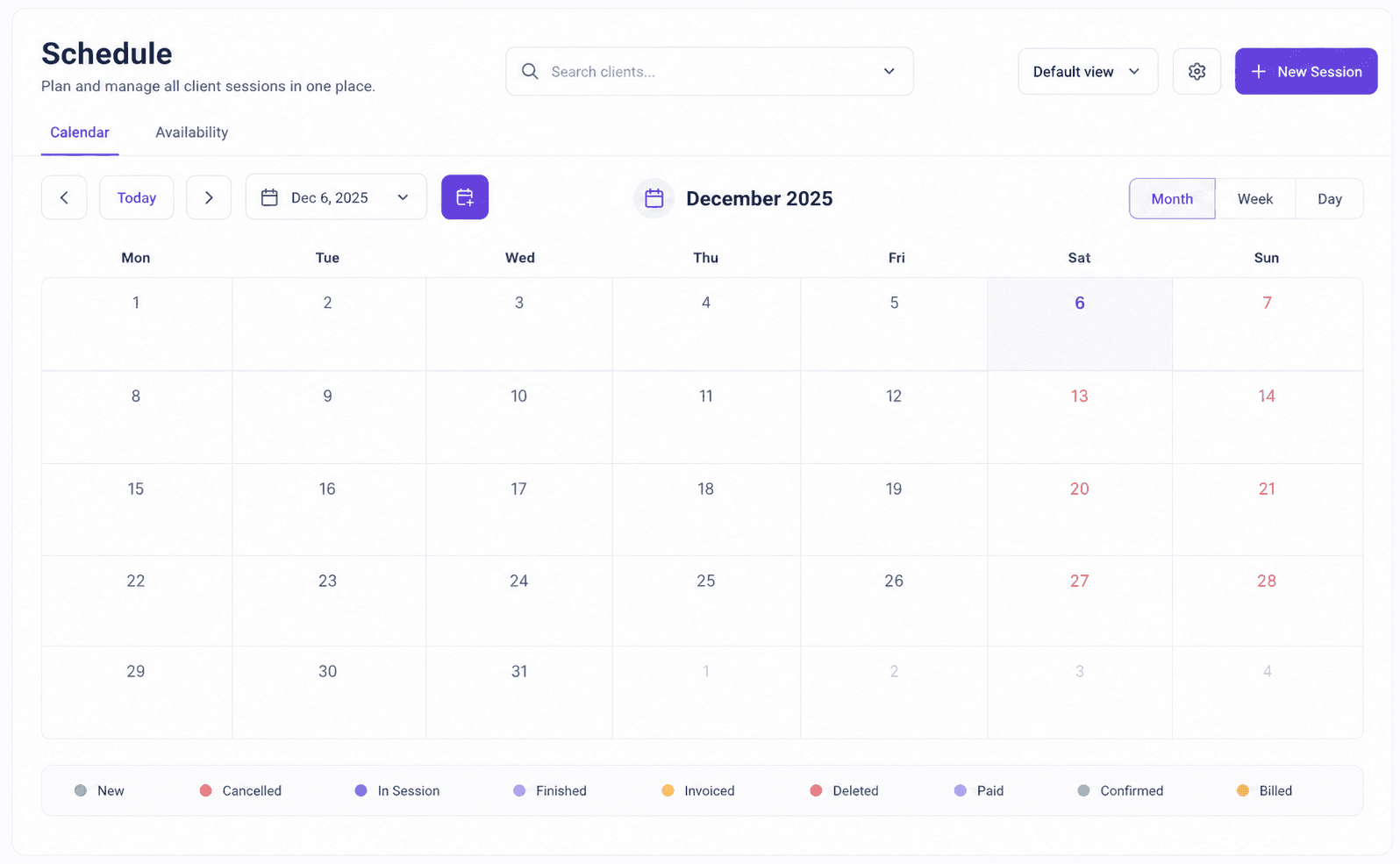
Cancellations, no-shows, visit volume, provider capacity, and follow-up needs make more sense when analytics stay close to the schedule and patient workflow.
Leadership can see where the revenue workflow is moving, where it is waiting, and which operational patterns need attention before month-end.
Revenue trend review
Where money is moving, waiting, or at risk.
Talk with sales about how this product fits with the full YULY platform.